
Fathom Lite is a previous and open-source version of Fathom Analytics (a paid, hosted Google Analytics alternative). It was the very first version of our software, and has been downloaded millions of times!
While we are no longer adding features to this Lite version, we will be continuing to maintain it long-term and fix any bugs that come up.

Today’s Fathom Analytics is a hosted product with simple pricing based on monthly pageviews. The same core capabilities are included on every plan: for example API access, up to 50 sites, custom events and ecommerce tracking, unlimited email reports and CSV exports, and forever data retention—with privacy-law compliance and no cookie banner required for analytics.
If you’d rather not run servers or maintenance yourself, try a 30-day free trial (that link applies a $10 credit on your first invoice). Browse all features or the live demo.
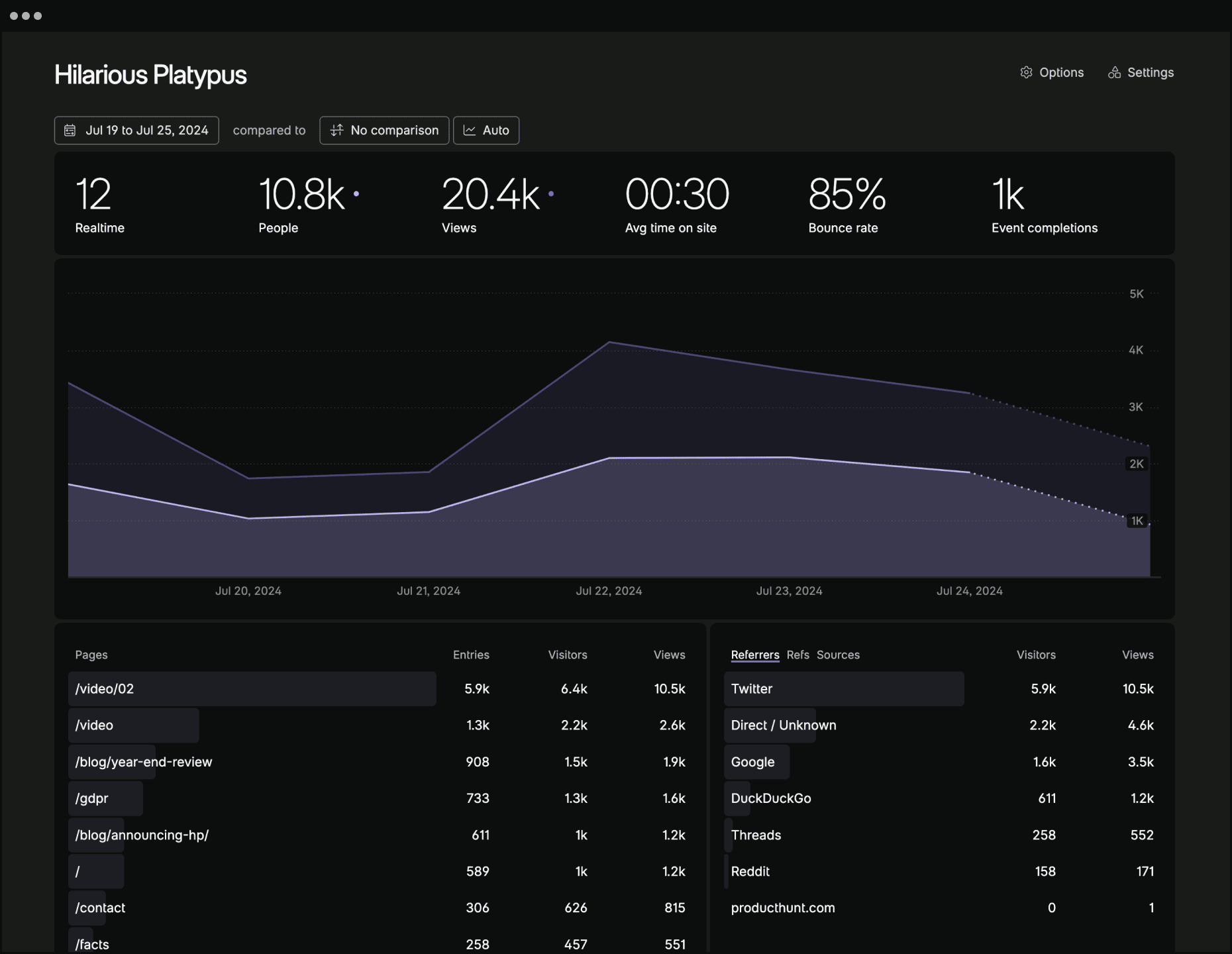
| Feature | Fathom Lite | Fathom (hosted) |
|---|---|---|
| Fully managed | ✗ Self-hosted; you run servers and updates | ✓ Managed for you; pay per pageviews |
| Cookie-free (no analytics banner) | ✗ Uses cookies | ✓ Cookie-free tracking |
| Current dashboard (real-time, live visitors, filters, details) | ✗ Older Lite UI | ✓ Full dashboard — see features |
| API | ✗ | ✓ API on all plans |
| Custom events, ecommerce, UTMs | ✗ | ✓ Events, revenue, campaigns |
| EU isolation & custom domains | ✗ | ✓ EU routing, first-party script domains |
| GA import, email reports, CSV export, shared dashboards | ✗ | ✓ Unlimited reports & exports |
| Many sites per account | ✗ Typical single install | ✓ Up to 50 sites (more available) |
| Email support & SLA | ✗ Community / as-is | ✓ Support on every plan |
| Global CDN, scaling, backups | ✗ Your responsibility | ✓ Included |
| Active feature development | ✗ Bugfixes / maintenance | ✓ Ongoing — trial · sign up |
You can install Fathom on your server by following our simple instructions.
For getting a development version of Fathom up & running, go through the following steps.
- Ensure you have Go and NPM installed
- Download the code:
git clone https://github.com/usefathom/fathom.git $GOPATH/src/github.com/usefathom/fathom - Compile the project into an executable:
make build - (Optional) Set custom configuration values
- (Required) Register a user account:
./fathom user add --email=<email> --password=<password> - Start the webserver:
./fathom serverand then visit http://localhost:8080 to access your analytics dashboard
Ensure you have Docker installed and run docker build -t fathom ..
Run the container with docker run -d -p 8080:8080 fathom.
To run our pre-built Docker image, run docker run -d -p 8080:8080 usefathom/fathom:latest
To start tracking, create a site in your Fathom dashboard and copy the tracking snippet to the website(s) you want to track.
If you use a Content Security Policy (CSP) to specify security policies for your website, Fathom requires the following CSP directives (replace yourfathom.com with the URL to your Fathom instance):
script-src: yourfathom.com;
img-src: yourfathom.com;
MIT licensed. Fathom and Fathom logo are trademarks of Fathom Analytics.